Accident / Incident Record Template (UK, A4 Fillable PDF) – Docuqo 0100
Accident / Incident Record Template (UK, A4 Fillable PDF) – Docuqo 0100
Couldn't load pickup availability
Accurately record workplace accidents, incidents, and near misses with this professional Accident / Incident Record Template (Docuqo 0100) — a clean, A4 fillable PDF designed for UK employers, contractors, and small businesses.
This form provides a clear, structured way to document what happened, who was involved, and any injuries sustained. It supports good record-keeping, internal investigations, and compliance with UK health & safety expectations, including RIDDOR reporting where applicable.
Designed for everyday workplace use, this template is suitable for offices, warehouses, construction sites, workshops, schools, and small industrial environments.
✔ UK-focused layout aligned with HSE expectations
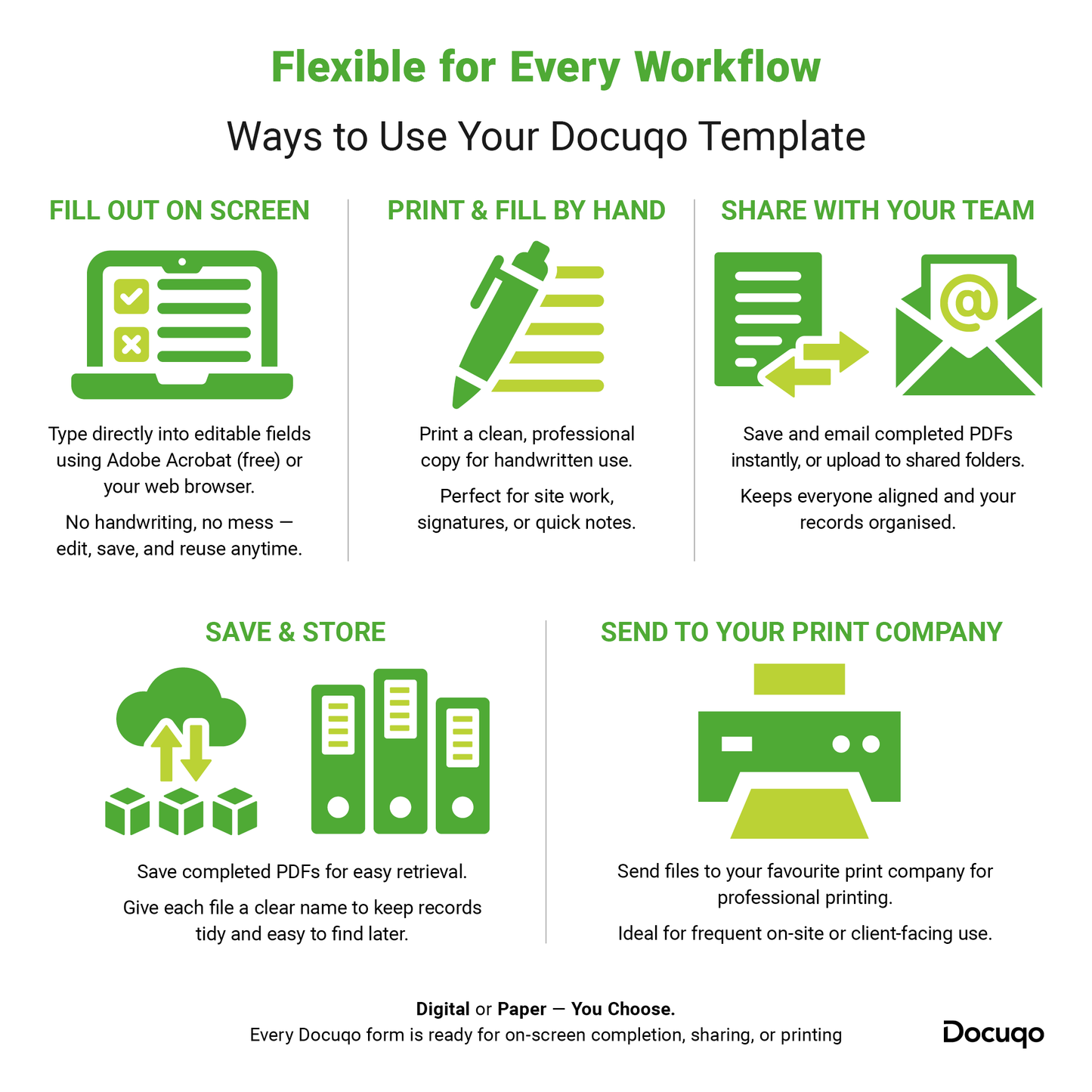
✔ Fillable on screen or printable for manual completion
✔ Ideal for accident books, site files & H&S systems
✔ Includes RIDDOR section for employer use
What This Accident / Incident Record Is Used For
This form is used to record:
- Workplace accidents
- Incidents (with or without injury)
- Near misses
It does not replace a Risk Assessment, Method Statement, RAMS, or statutory reporting requirements — but supports them by providing clear, consistent documentation.
What’s Included
This professional Accident / Incident Record includes the following sections:
General Information
- Name of place
- Address
- Person or office responsible for storing accident records
- Consecutive report number
1. About the Person Who Had the Accident / Incident
- Name
- Address
- Postcode
- Occupation
2. About You (Person Completing the Record)
- Name
- Address
- Postcode
- Occupation
(For use when the injured person is not completing the form themselves.)
3. Details of the Accident / Incident
- Date and time of incident
- Exact location
- Description of how the incident happened
- Cause (if known)
- Injury details (if applicable)
Includes a clear note advising when to attach continuation sheets if more space is required.
4. Sign and Date
- Confirmation that details are recorded accurately
- Signatures and printed names for:
- Injured person
- Person completing the record
5. Employer Use Only – RIDDOR (If Applicable)
- Is the incident reportable under RIDDOR?
- Method of reporting (HSE Online / Telephone)
- RIDDOR reference number
- Reporter name, signature, and date
Customisable & Easy to Use
- Fill in digitally using Adobe Acrobat Reader (FREE)
- Print for handwritten completion if preferred
- Clean layout designed for clarity, legibility, and audit trails
- Suitable for inclusion in wider Docuqo H&S Systems
Perfect For
- Small UK businesses
- Construction & trade contractors
- Warehouses & logistics
- Offices & commercial premises
- Facilities & maintenance teams
- Schools, workshops & light industrial sites
Use as part of your accident book, site safety records, or internal H&S documentation system.
Why Choose Docuqo Templates?
- Designed in the UK with 25+ years of professional form & print experience
- Clear, practical layouts — no unnecessary jargon
- No subscription or specialist software required
- Lifetime use — download once, reuse forever
- Built specifically for UK SMEs
File Formats Included
- Fillable A4 PDF (type, save & email)
- Standard A4 PDF (print & write)
- Example completed record included
Docuqo Code: 0100
Legal & Licensing
© Docuqo.com
For personal or business use within one organisation.
Resale, redistribution, or sharing outside your organisation is prohibited.
Digital download only — no physical item shipped.
All sales are final due to the digital nature of this product.
Support is available if you need help accessing your files.
Need Help Using Your Template?
Need Help Using Your Template?
Start here:
👉 Quick Start Guide
💡 Frequently Asked Questions
🧩 Troubleshooting Tips
For best results, open fillable PDFs in Adobe Acrobat Reader (free).
(Logo upload fields can often only be used on desktop.)
Share